
Apps and Privacy Settings
Here’s How to Get the Most Out of MosaicOS: In this video we go through a few apps and help you to use them in a more privacy way. If you don’t want your apps to track you, listen to our tips! We are going to take a look at the most commonly used applications: […]
5+1 tips you should definitly try on MosaicOS
In this video we’ll take a look at how to manage app permissions, how to disable sensors, and what ‘secure boot‘ is used for. We’ll also introduce the global clipboard, demonstrate the options for mobile data transfer, and show you how to use a few other useful settings. If you want to follow the text, […]
The way to handle your profiles on MosaicOS
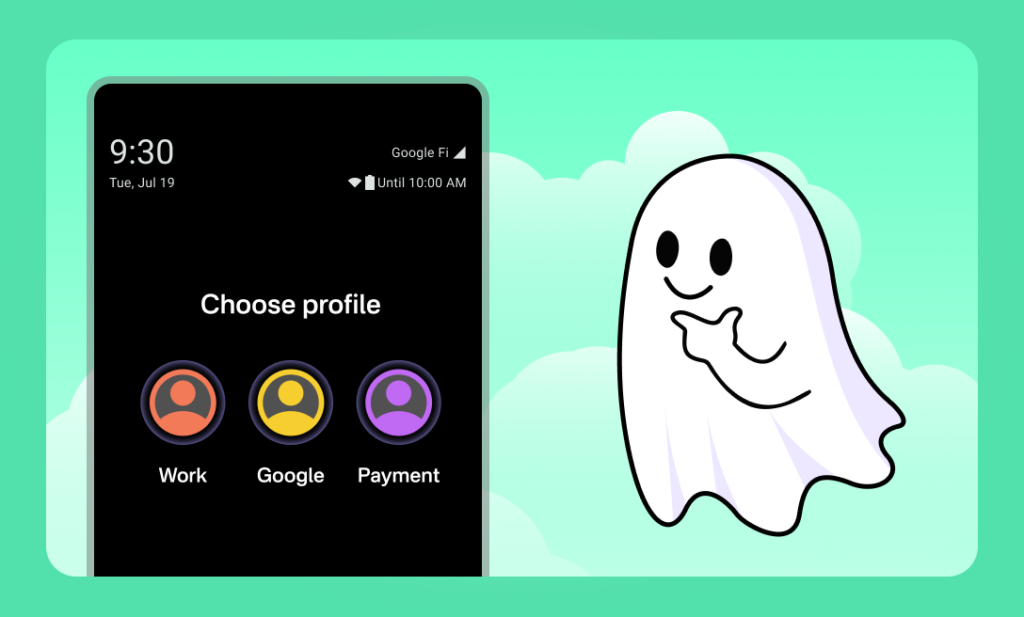
In this video, we’ll show you how to create multiple user accounts and explain why using more than one account can be highly beneficial. By taking advantage of separate user accounts, you can strengthen your overall security and reduce the chances of applications accessing your personal data unnecessarily. Since user accounts operate independently and cannot […]
Behind the scenes
Screen Unlocking Options, Biometric Data Protection Unlocking devices running Mosaic OS is very similar to that of the most widely used operating systems. However, this is only true in practice, from the user’s perspective! Behind the scenes, biometric data is completely secure, and there is no way for third parties to access it. Although traditional […]
Higher level of protection
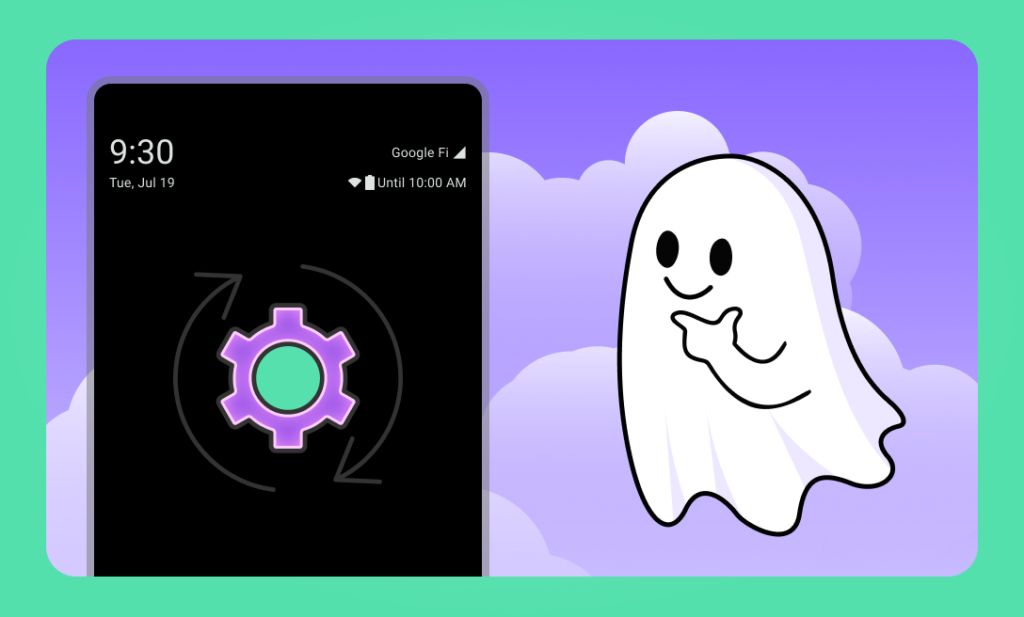
Watch this video to unlock a broader set of privacy controls tailored to you. MosaicOS delivers solid baseline data privacy, and by mastering its full privacy options you can achieve an even higher level of protection. If you want to follow the text, click here.
Settings – 12+1 steps
In this video we go though a few more steps on how you can update the security and privacy setting on your phone. The question rises if one values security or comfort. Go through the 12+1 steps and decide! If you want to follow the text, click here!
Most Important Internet Settings
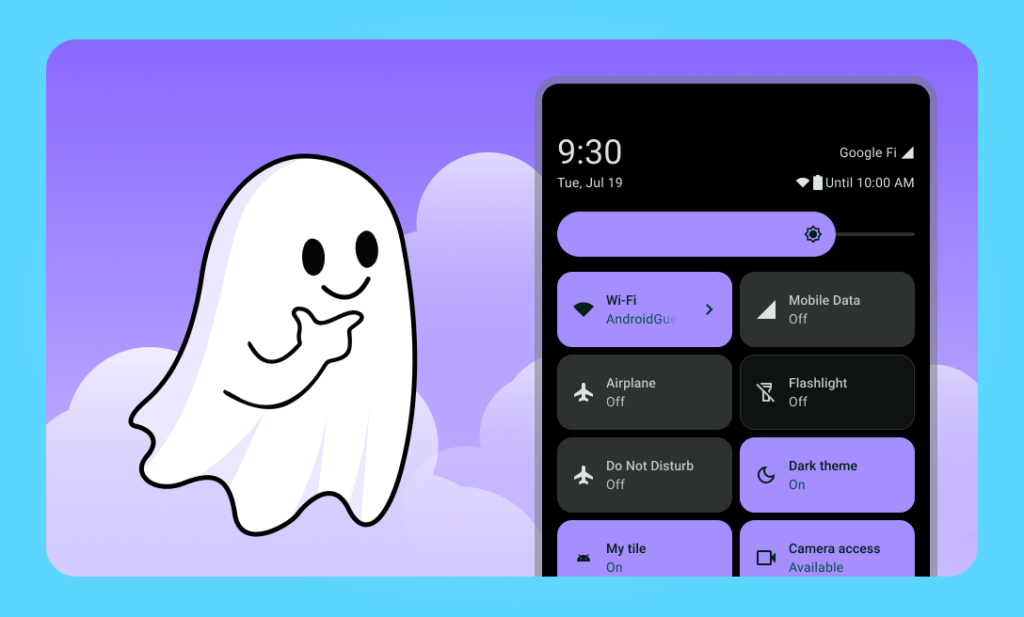
MosaicOS aims to provide configuration options that help reduce unwanted data collection while ensuring that all the applications you have used so far remain available. One of the first steps toward greater security is the ability to quickly and easily control internet access. In our quick tiles, there are a total of three tiles related […]
Lock or unlock bootloader?
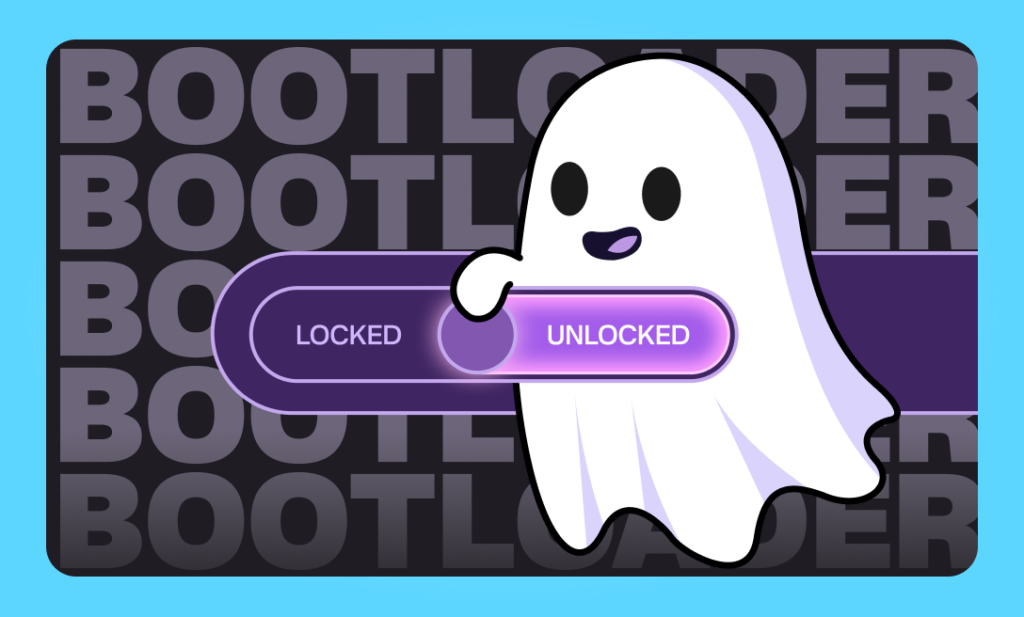
The question always arises why we chose PIXEL phone for MosaicOS. To make things clear it wasn’t our choice. We had to pick a phone where the basic OS system could be removed, and a new OS can be uploaded. We had to find a solution where the hardware was given for development. We live […]
First steps – initial settings
This video will help you to walk through all the steps and initial settings that are required for this, to ensure you can use this phone securely while keeping your personal data protected. The Mosaic OS operating system enables all of this by allowing you to continue using your familiar applications exactly as you have […]